
 Recently we’ve been working on a few projects which require us to utilize Microsoft Project to open .mpp file for project planning and scheduling purposes.
Once the plan(.mpp file) was completed, we then sent it out via email for all project stakeholders to view and comment on.
Within 10 minutes later, one partner replied to the email saying: Dude, I don’t have MS Project installed on my machine! Any other way for me to view this project plan?
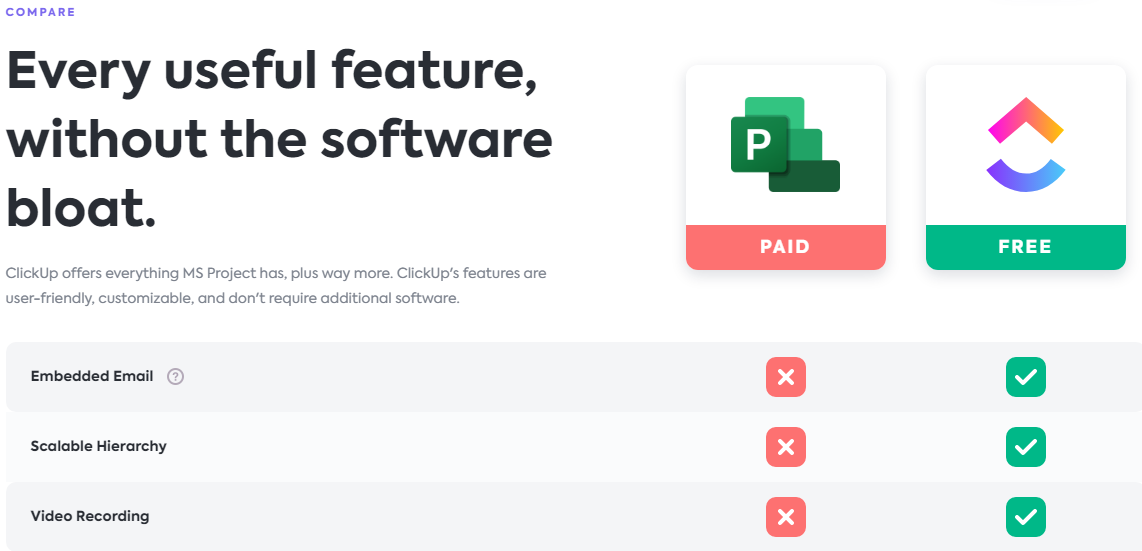
From what I know, Microsoft has a Word Viewer, Excel Viewer, Powerpoint Viewer for people to download online for free. But as for MS Project, this is what I found out when I did a search for this phrase “view Microsoft project files online“
So it’s confirmed, no viewer program for Project files made available by Microsoft. You’ll need to have at least Microsoft Office Project 2003 installed.
We’ve spent so much time developing the project plan via MS Project, we can’t afford to redo the whole thing on Excel instead. There must be a solution.
Open .mpp file with these 6 MS Project alternatives
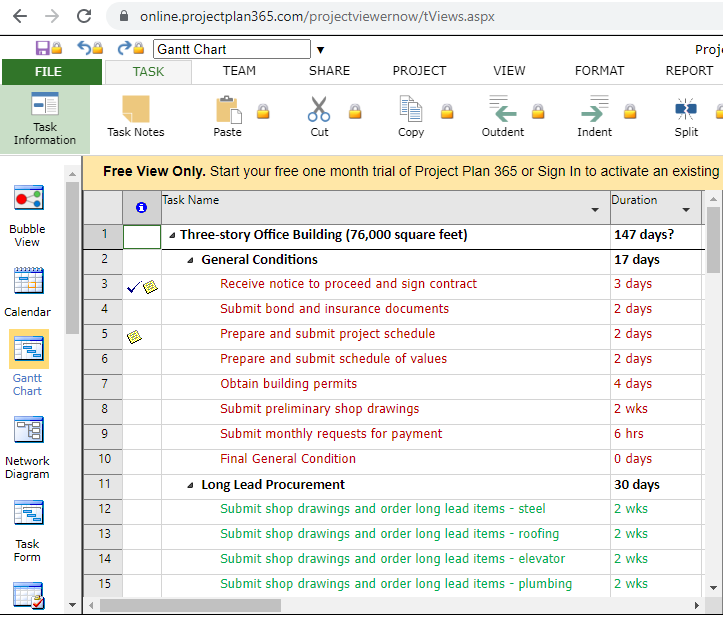
An online tool that allows you to open MS Project MPP Plans from cloud locations like OneDrive, Google Drive, Basecamp, Dropbox, SharePoint Online, Box, URL Links, and email attachments
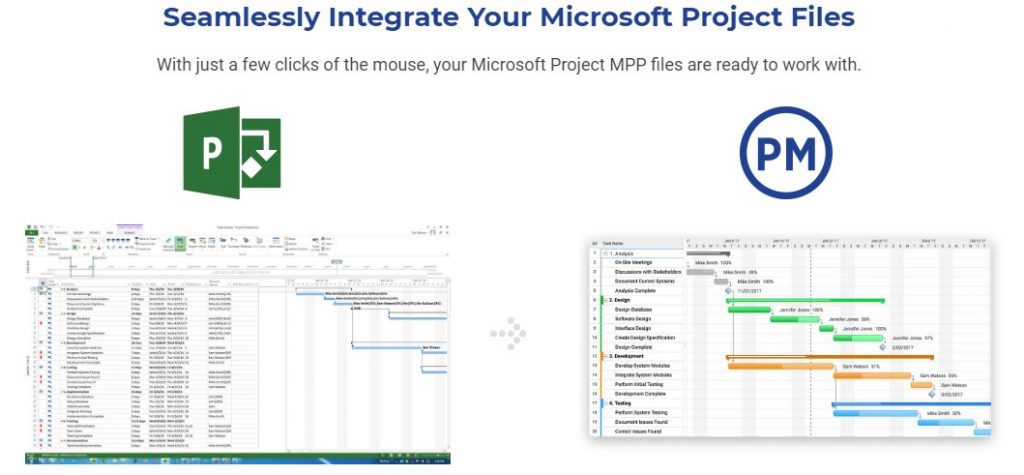
With ProjectManager.com, you can import and export Microsoft Project files without losing any data. You can view and edit .mpp files before exporting your changes and sharing them with your colleagues. Best of all, the software works on both windows and mac computers, without requiring any downloads.

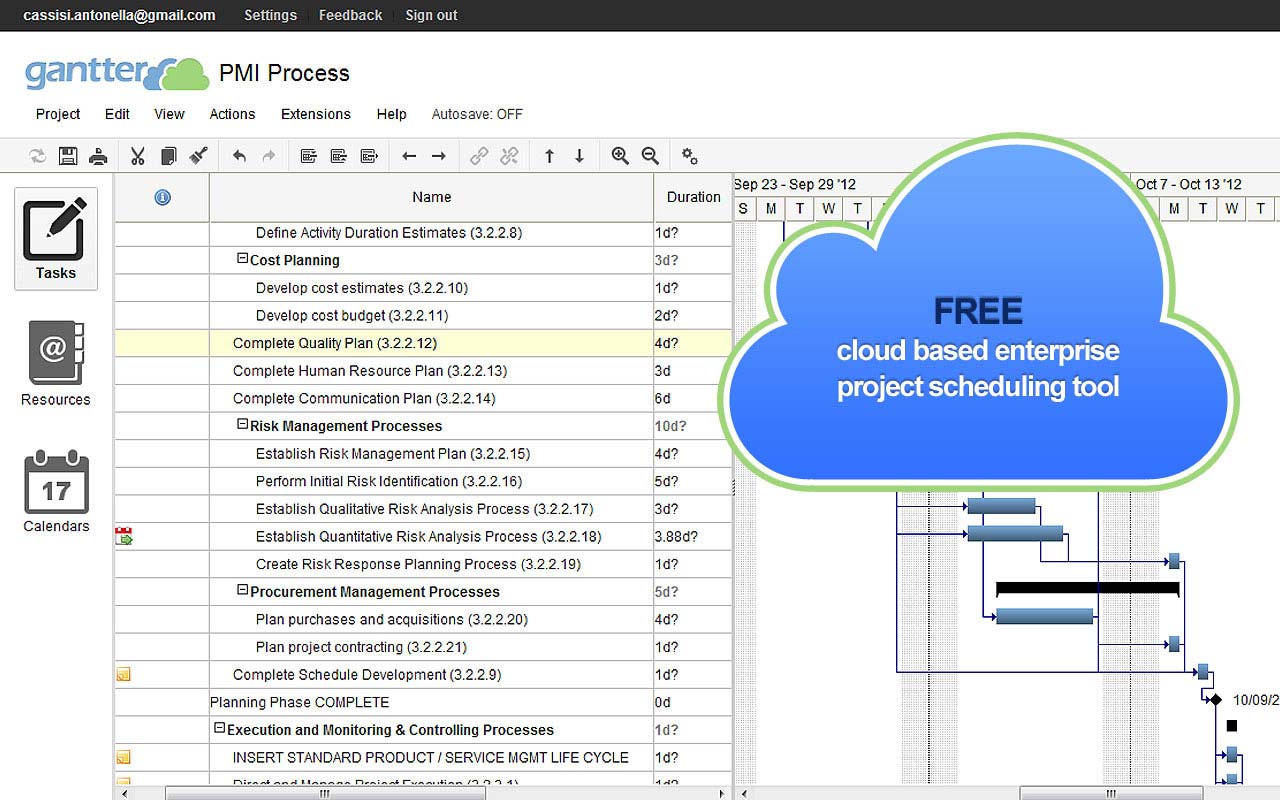
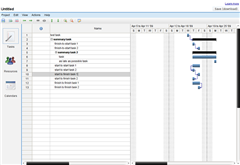
Gantter is a web-based project management tool with 30 days of the free trial very similar to how MS Project works.
One of the latest features of Gantter is its ability to import MPP files. This means that the partner that initially had trouble viewing the project plan can now head to Gantter, import the .mpp Project file that we’ve created, and viewed it online. That’s right, nothing to install. Just upload, and begin to view and even edit the file.
If you have past experience using MS Project, then using Gantter will be really easy for you. And you might just notice that with Gantter you cant easily drag and drop tasks around and also perform copy and paste, like how it’s possible within Microsoft Project. This is because Gantter is web-based as compared to MS Project which is a desktop application.
But if all you need is to create simple project plans, I don’t see why you will need to purchase MS Project since Gantter has most of the available features you could use free within 30 days.

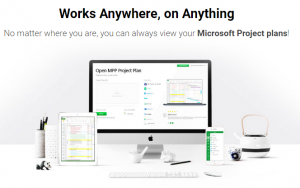 Project Viewer Central is a desktop application that allows you to view and MS Project files for your PC without MS Project installed.
This tool can be used to launch Microsoft Project MPP files from your network, device, intranet, or cloud location.
Compatible with MS Project 2019, 2016, 2013, 2010, 2007, 2003, and earlier versions.
Watch this video on how to open MS Project files without Project installed.
Kadonk LiveProject
LiveProject is a free standalone .MPP Viewer application for Microsoft Project files. It enables users to view Gantt charts, tasks, resources, and other Microsoft Project information, without the need to install Microsoft Project.
RationalPlan Viewer is also an MS Project viewer as well with the aim to provide project stakeholders a chance to view the project files for free. The RationalPlan Viewer, nearly 10 MB download is a desktop application that works on Mac OS X, Windows, and Linux.
A software that allows team members to open MS Project MPP Plans from cloud locations like OneDrive, Google Drive, Basecamp, Dropbox, SharePoint Online, Box, URL Links, and email attachments
—————————— End ————————————
I believe there are a few other MS Project viewers available out there in the market. Do feel free to update us on any that you stumble upon.





Steelray Software’s Microsoft Project Viewer is also a desktop application with very interesting, easy features. Customer service is responsive. Good product.
Open Project is also free and does a great job of viewing and manipulating MPP files and then exporting Microsoft Project XML files.
You can also try MOOS Project Viewer:
http://www.ms-project-viewer.com
It is free.
I use Valleyspeak project server and its an excellent Microsoft project viewer which allows the Project Manager to get real-time updates about the project status from their teams.
If you need a tool to manage your software development projects,
I can reccommend
http://www.ganttzilla.com
It includes complete set of features for web-based creation, editing, viewing, discussing, versioning, secured sharing and publishing of project plans.
It’s free!
Hi,
The single best software for viewing Microsoft Project (all versions, including 2010) plans is the Seavus Project Viewer. It is excellent Viewer for Microsoft Project that allows users to open, view and print project plans (mpp files) apart from Microsoft Project with all current MS Projects functionality integrated.
Can you tell me a way to view MS Visio diagrams without having that installed?
I haven’t come across any online apps capable of opening MS Visio diagrams.
I guess your best way to view the visio diagrams would be to download the free Visio 2007 Viewer.
Hope it helps!
Be careful with the Gantter project software, it crashed on me and I couldn’t get it to re-open the XML file. It has great potential but I think it is not quite ready for production.
you can use the open source software ‘openproj’ too
You can open and view .mpp files in 5 seconds from now using an online application for viewing MS Project files.
Link to online app – https://www.seavusprojectviewer.com/online-project-viewer